Clibor for Mac v1.5 was released
This update includes numerous new features, improvements, and bug fixes.
Many functions from the Windows version of Clibor have also been implemented.
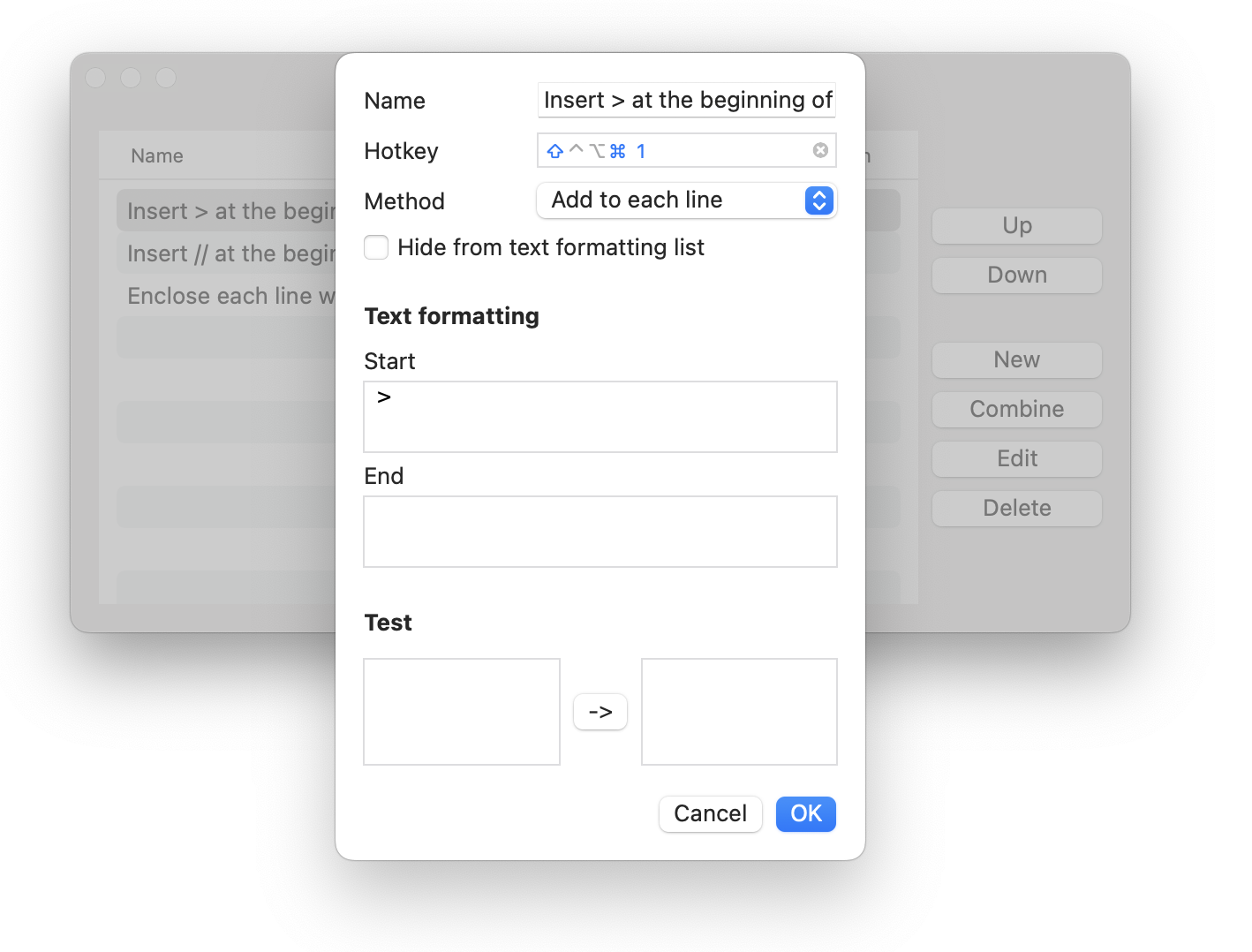
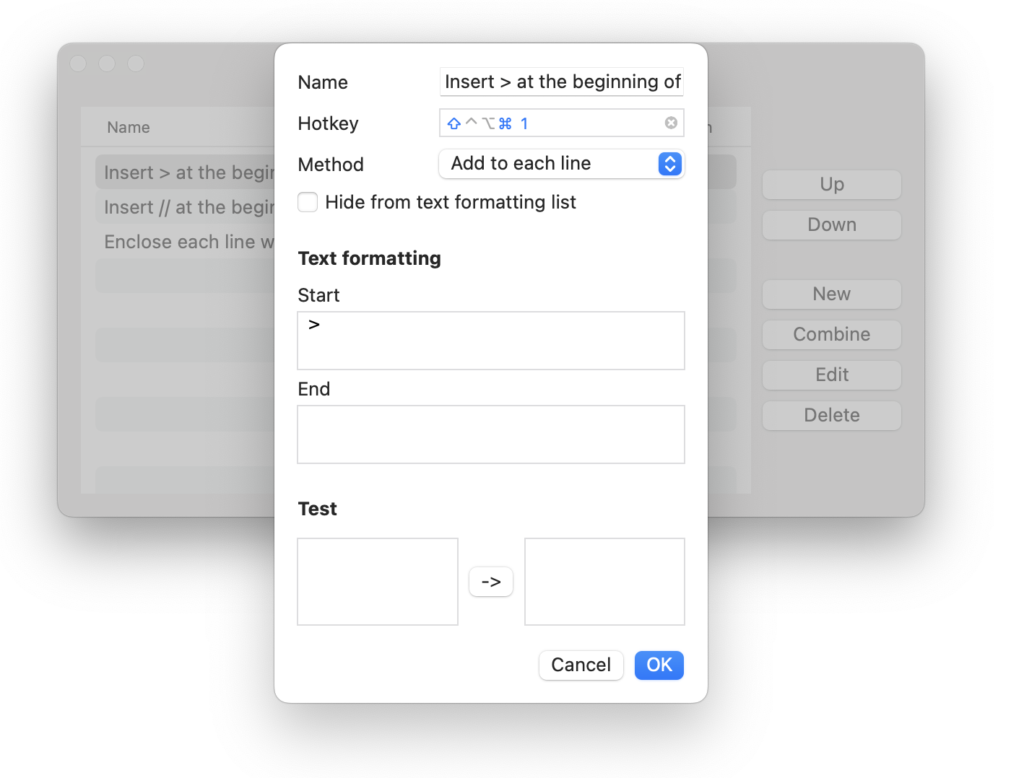
Added hotkey support for text formatting.
You can now format clipboard text using a hotkey.
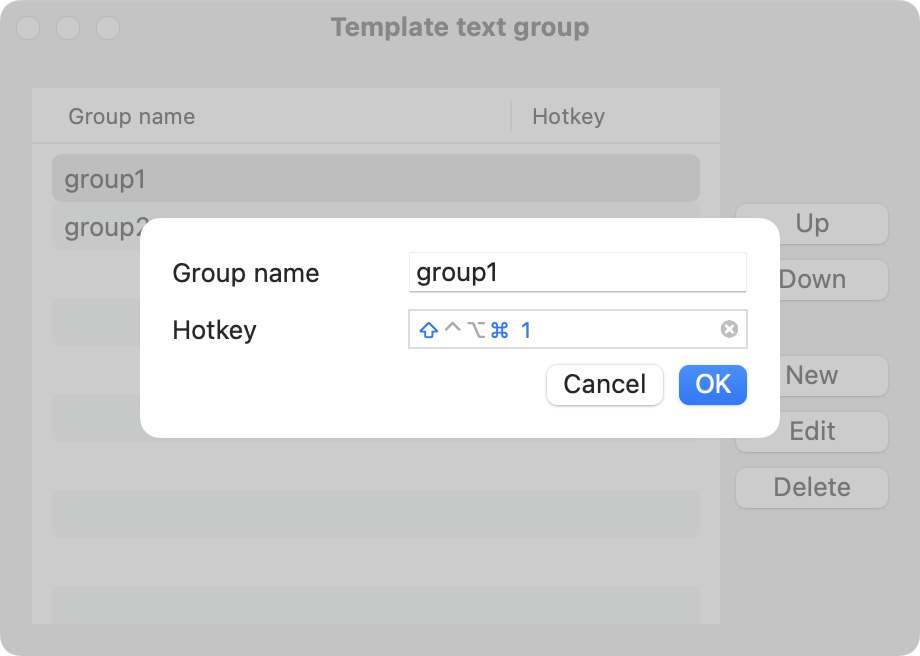
Added hotkey support for template groups.
You can now open a specific template group using a hotkey.
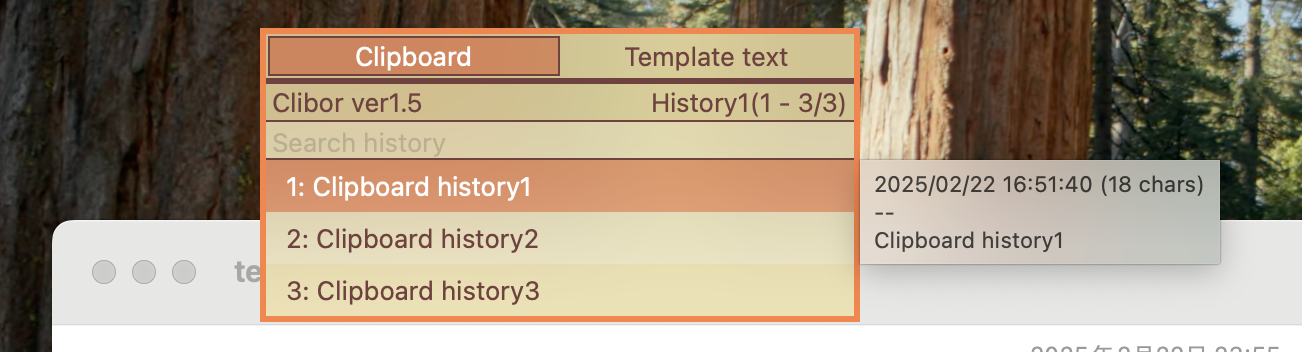
The main screen can now be made semi-transparent.
This can be adjusted in the settings.
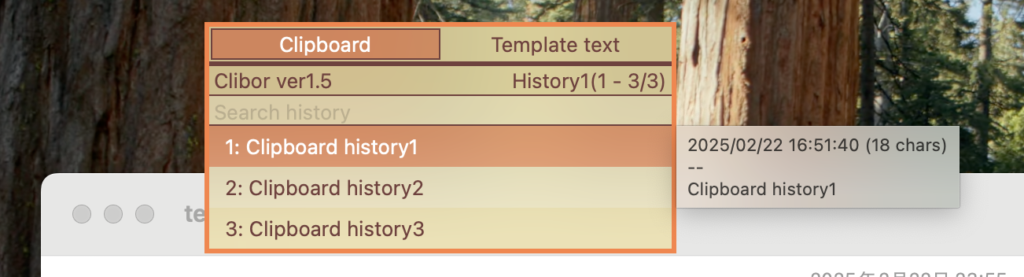
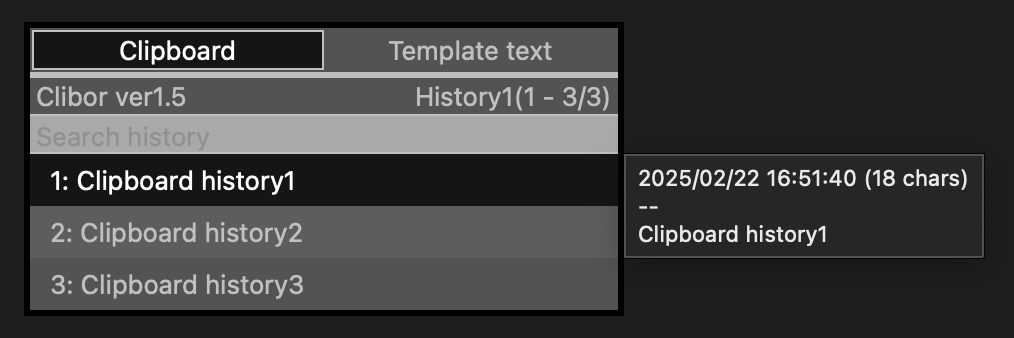
Tooltips now support dark mode.
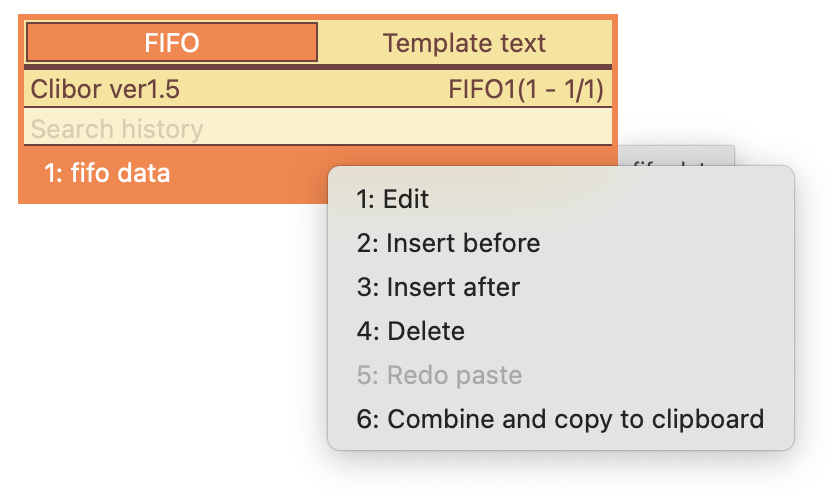
Added right-click menu options in FIFO/LIFO mode, including edit, insert, and undo actions.
Update Details
- Added hotkey support for text formatting
- Added hotkey support for template groups
- Added a setting to make the main screen semi-transparent
- Enabled switching between history pages and Templates pages using command+Up/Down
- Refined various UI texts within the app
- Added an option to prevent selected history entries from moving to the top
- Enabled searching within templates when the Templates tab is open
- Added an option in the history right-click menu to expand copied text into history entries for each newline
- Updated modal window behavior
- Made all screens closable using the Esc key
- Adjusted tooltip behavior and appearance on the main screen
- Added dark mode support for tooltips
- Improved keyboard navigation, allowing the selected row to move from bottom to top
- Enhanced FIFO/LIFO mode with a right-click menu (edit, insert, undo, etc.)
- Enabled deleting history entries that match exclusion patterns
- Reduced delay when switching tabs with a single click when mouse-over tab switching is disabled
- Fixed an issue where the menu would not open when right-clicking the menu bar icon
- Various minor bug fixes and stability improvements
Download Clibor from the following page.
See the following page for update instructions.
Please see the update history for details.